


Tablets have become everyday tools in many households. Children use them for learning apps and cartoons, students attend online classes and read notes, parents make video calls to relatives, and small business owners use them to check messages and orders. For many families, a large and expensive tablet is not necessary. A budget Android tablet can handle these tasks well, provided you choose carefully.
Affordable tablets vary widely in quality. Some offer good value; others promise far more than they deliver. This guide explains what budget tablets are good for, which specifications to check yourself, how to set them up safely for children, and what to look out for when buying.
The rise of budget tablets
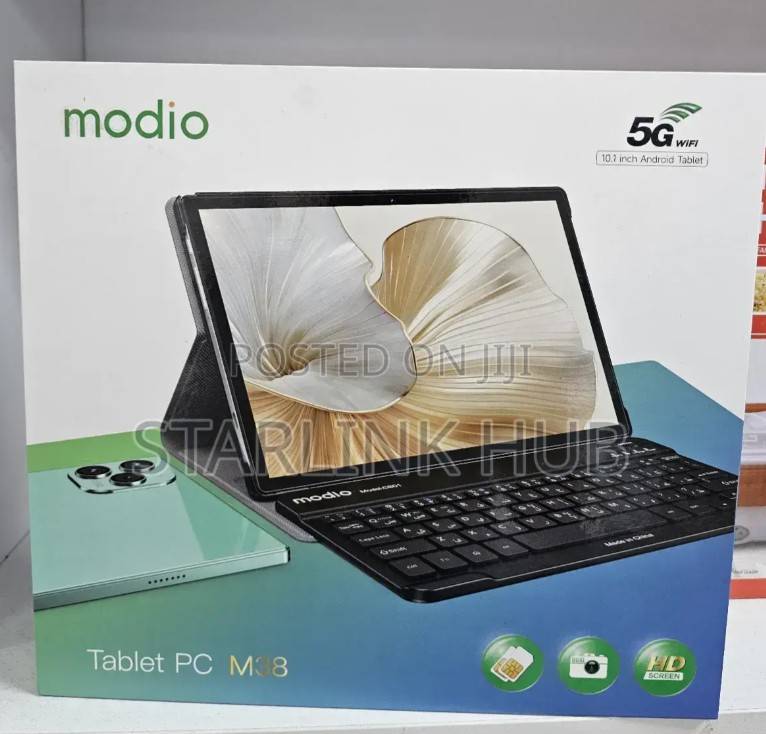
Budget tablet brands have grown popular in Kenya and across the region because they bring a large screen within reach of more households. Modio is one such brand, commonly marketed to children, students and families. Like many tablets in this segment, models are often promoted with features such as SIM card support for calls and mobile data, dual SIM slots, microSD card slots for extra storage and colourful protective covers aimed at kids.
Because specifications, packaging and quality can differ from one batch or model to another, it is wise to take time comparing current offers for a Modio tablet and similar devices before buying, so you understand which versions are available and which features are really included.
What a budget tablet is good for
Children’s learning and entertainment
Educational apps, reading games, videos and drawing apps run well on most entry-level tablets. A larger screen than a phone makes content easier for young children to see and interact with.
Online classes and studying
Students can join video lessons, read documents and e-books, and use learning platforms. For long study sessions, a keyboard case or Bluetooth keyboard can make typing easier.
Video calls and messaging
Tablets with front cameras let families stay in touch. Models with SIM support can make ordinary calls and use mobile data without Wi-Fi, which is useful where home internet is not available.
Reading and media
News, e-books, music and streaming are all common uses. Keep expectations realistic: budget tablets are usually not designed for demanding games or heavy multitasking.
Specifications to check yourself
Do not rely only on the box or the seller’s description. Where possible, switch the tablet on and check the details directly.
RAM and storage
RAM affects how smoothly the tablet runs apps, while storage determines how many apps, photos and videos it can hold. Open Settings and look under sections such as “About tablet”, “Storage” or “Memory” to see the actual figures. A reputable benchmarking or device information app can also help confirm them.
Android version
In Settings, check the Android version under “About tablet”. Newer versions generally offer better security and app compatibility. Very old versions may not support some current apps.
Screen resolution
Screen size is only part of the story. Resolution determines sharpness. A large screen with low resolution can look grainy, which matters for reading text. Look at small text and photos in person before deciding.
Battery
Battery capacity is measured in milliampere-hours (mAh). However, real battery life depends on the screen, processor and software. Ask about typical use time and, if buying used, check whether the tablet holds its charge.
Cameras, SIM and connectivity
If calls and mobile data matter to you, confirm that the tablet actually accepts a SIM card and works with your network. Test Wi-Fi, Bluetooth, the cameras, speakers and headphone jack before paying.
Watch out for exaggerated spec claims
A frequent problem in the budget segment is inflated specifications. Some devices are advertised with much more RAM or storage than they really have, or with processors described in vague terms. In some cases, software is modified so that the settings menu shows false figures.
To protect yourself:
- Be cautious when a very low-cost tablet claims high-end specifications.
- Check the figures in Settings and, if possible, with a trusted device information app.
- Test performance by opening several apps, playing a video and switching between tasks.
- Try copying a large file to see whether the storage behaves as advertised.
Setting up the tablet for children
Parental controls
Google Family Link is a free tool that allows parents to manage a child’s Google account on Android devices. It can help you approve or block apps, set daily screen time limits, set a bedtime and see how much time is spent in each app. Set it up before handing the tablet to your child.
You can also enable content filters in the Play Store and use child-friendly versions of video apps where available.
Kid-proof cases and screen protection
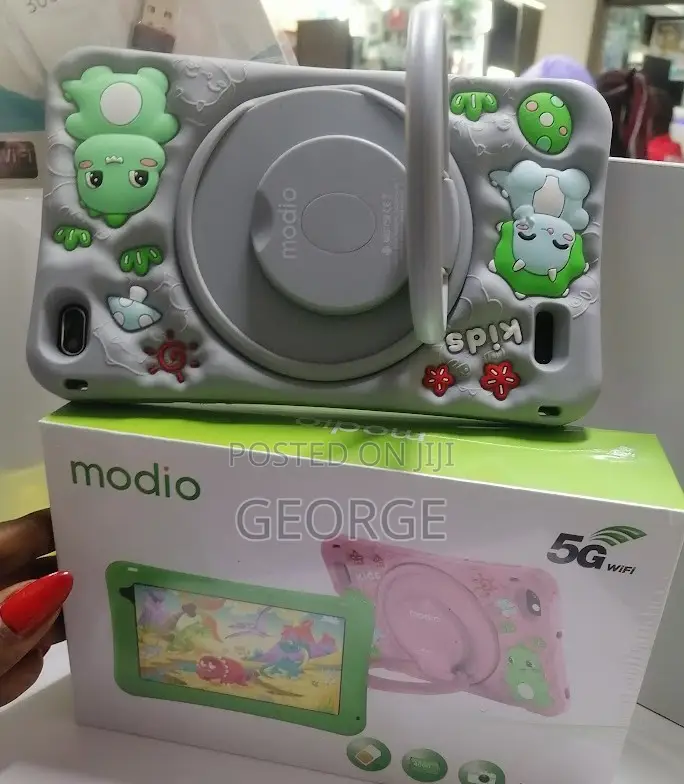
Children drop things. A thick foam or rubber case with a handle or stand, together with a tempered glass screen protector, can prevent many common breakages. Many budget tablets are sold with such covers, but check that they fit well and cover the corners.
Healthy screen time
- Agree on clear daily limits and tablet-free times, such as meals and bedtime.
- Prioritise educational content and active use over passive viewing.
- Keep the tablet in shared family spaces where possible.
- Encourage breaks to rest the eyes and move around.
Security and software updates
One common limitation of budget tablets is that they may receive few or no software and security updates after purchase. This does not make them unusable, but it does mean you should be careful:
- Install apps only from the Google Play Store.
- Keep Google Play Protect switched on.
- Use a screen lock and avoid storing sensitive information such as banking details on the device.
- Update apps regularly, even if the system itself is not updated.
Caring for your tablet
- Use the supplied charger or a good-quality replacement with the correct rating.
- Avoid leaving the tablet charging overnight in hot places or under pillows.
- Keep it away from water, dust and direct sunlight.
- Clean the screen with a soft, slightly damp cloth, never harsh chemicals.
- Uninstall unused apps and clear storage to keep it running smoothly.
- Protect it from power surges by using a quality extension with surge protection.
Considering alternatives
Budget Android tablets come from many brands, including both well-known manufacturers and smaller brands aimed at price-conscious buyers. When comparing, look beyond the headline specifications to screen quality, battery life, build, warranty terms and the availability of after-sales support. An older model from an established brand may offer steadier performance and more updates than a newer device with larger claimed numbers.
Buying tips
- Ask about warranty: find out how long it lasts, what it covers and where repairs are handled.
- Test before paying: switch the tablet on, check Settings, test the touchscreen across the whole display, cameras, speakers, charging port, SIM and Wi-Fi.
- Check accessories: confirm that the charger, cable and any promised case are included.
- Inspect used tablets carefully: look for screen damage, swollen batteries (a bulging back or lifting screen), and make sure the previous owner’s Google account has been removed.
- Keep your receipt: it will help with any warranty claim.
- Meet safely: when buying from individuals, meet in a public place and avoid paying in full before seeing the device.
Getting the most out of a budget tablet
- Remove apps you do not need to free up storage and memory, and keep the home screen simple.
- Use lighter apps where available, such as “Lite” or “Go” versions of popular apps, which run more smoothly on modest hardware.
- Store media on a microSD card if the tablet supports one, keeping internal storage free for apps and updates.
- Download learning content in advance over Wi-Fi so children can use it offline without consuming mobile data.
- Restart the tablet regularly, which can clear temporary glitches and keep it running more smoothly.
- Lower screen brightness and close background apps to extend battery life on long days.
A few minutes of setup and occasional housekeeping can make an affordable tablet feel noticeably faster and more reliable, especially for children who use it every day for school and entertainment.
The bottom line
A budget Android tablet can be an excellent tool for learning, entertainment and staying connected, as long as you know what to expect. Decide how the tablet will be used, verify the real specifications yourself, be sceptical of claims that seem too good to be true, and set up parental controls and a sturdy case before giving it to a child. With careful checks and sensible care, an affordable tablet can serve your family well for years.